New form field "Product/Service"

19.03.2024

Hello.

Just recently, in Additional Fields, we have a new form field - Product/Service that you can use in your web forms. This field will be very useful for those users who offer a selection of goods or some services in their forms.

Here's what it might look like:
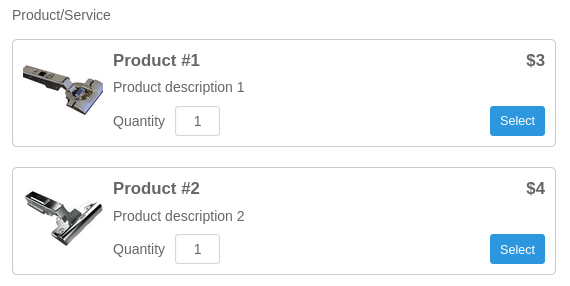
For each product you can add: product name, short description, product price and image. The user can select the desired products and indicate their quantity.

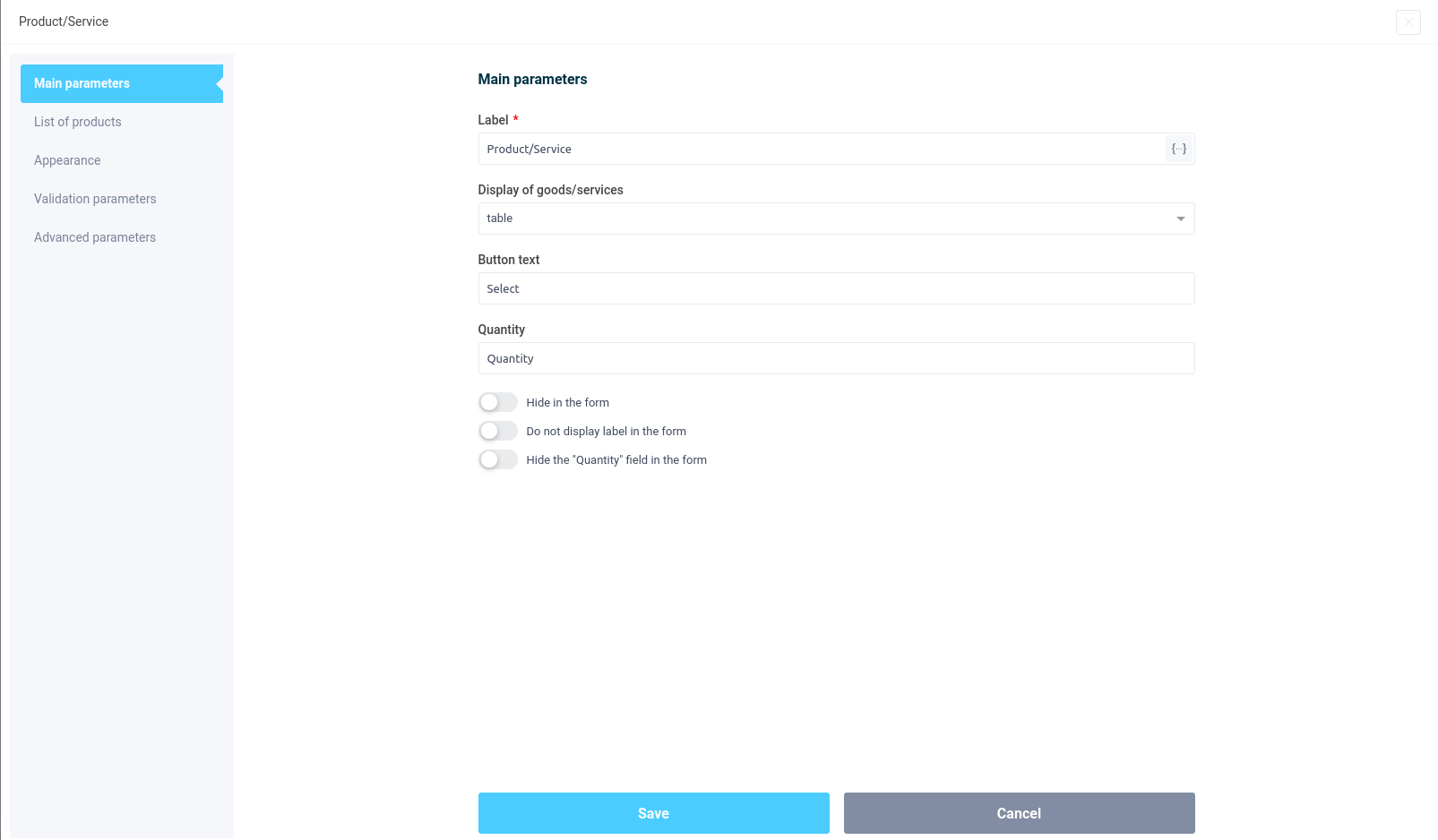
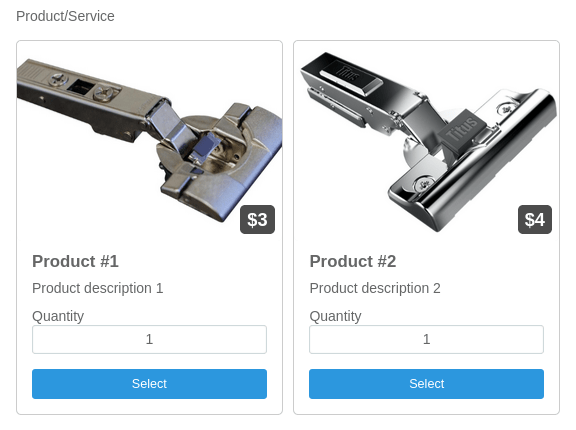
Also in the settings you can configure the arrangement of products: in the form of a table, in 1 row, in 1 column, in 2 columns, in 3 columns and 4 columns:
Here is an example of how products are displayed in 2 columns:
In the settings, you can change the text of the button, the name of the “Quantity” field, or, if necessary, hide this field altogether.

That's all for today. Have a good day.

Ready-made templates of web forms
Platinum

Making a staircase structure

After answering a few questions, applicants calculate the cost of making a similar structure for the required parameters Details
Gold

Calculating the cost of building a house

With this quiz, the user is prompted to answer several questions that can be used to calculate the approximate cost of building a house Details
Gold

Evaluate the work of our carwash

Evaluate the work of our car wash, find out the evaluation of the car wash and customer wishes. Details
Platinum

Quiz Template for Calculating the Cost of Detailing Services

This quiz template will help to automate the reception of applications and make a preliminary calculation of the detailing services Details

Don't have time to build it yourself?

FormDesigner's specialists can design, build, and configure your form, quiz, or calculator from scratch. Let us handle the complexity while you focus on your business.

Talk to a specialist
Our specialists