
Create OAuth application
Before connecting MCP Connector, create an OAuth application in your FormDesigner account. It provides client_id and (if needed) client_secret for AI client authorization.
- Sign in to your account: https://ac.formdesigner.pro
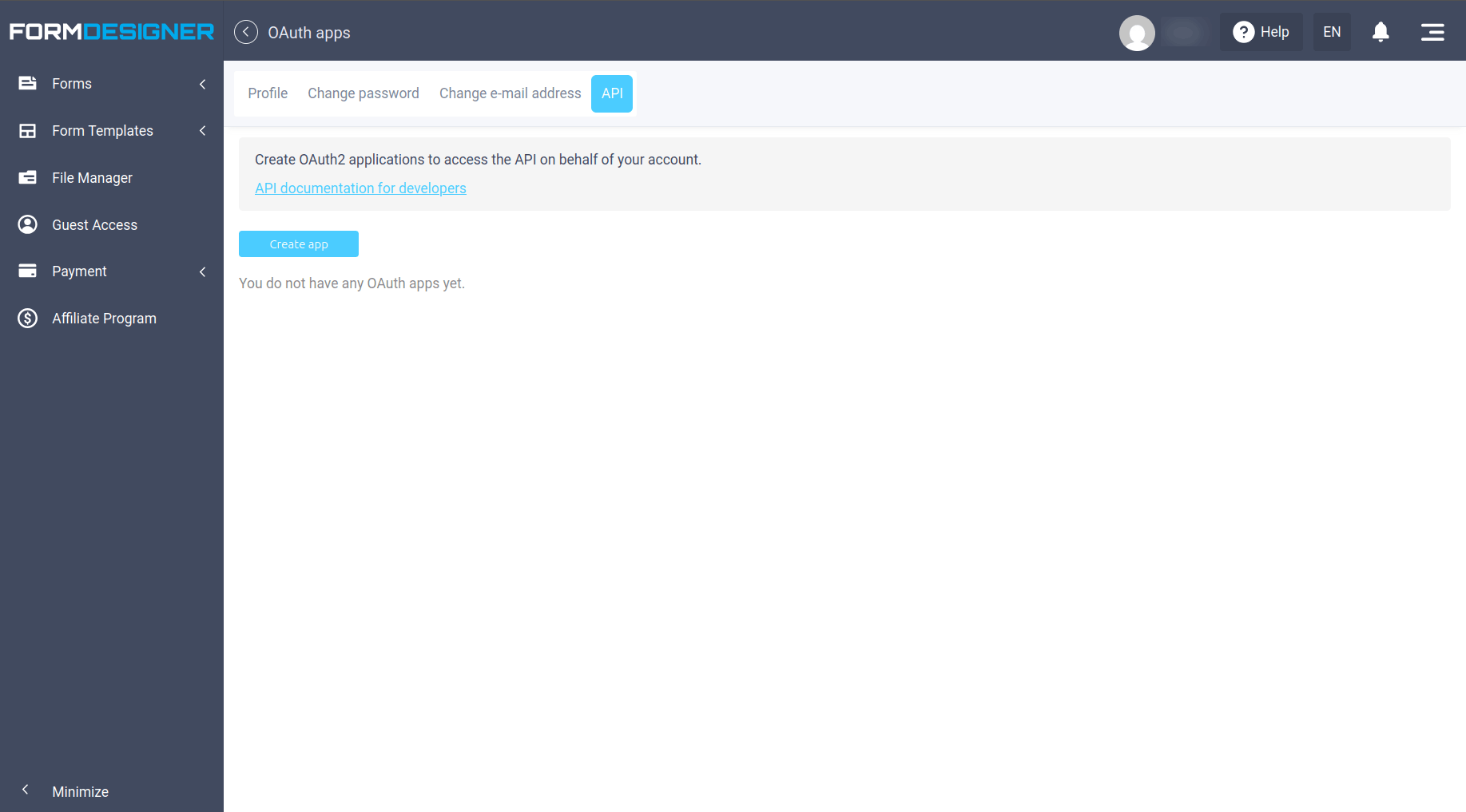
- Open OAuth applications: https://ac.formdesigner.pro/profile/apps
![]()
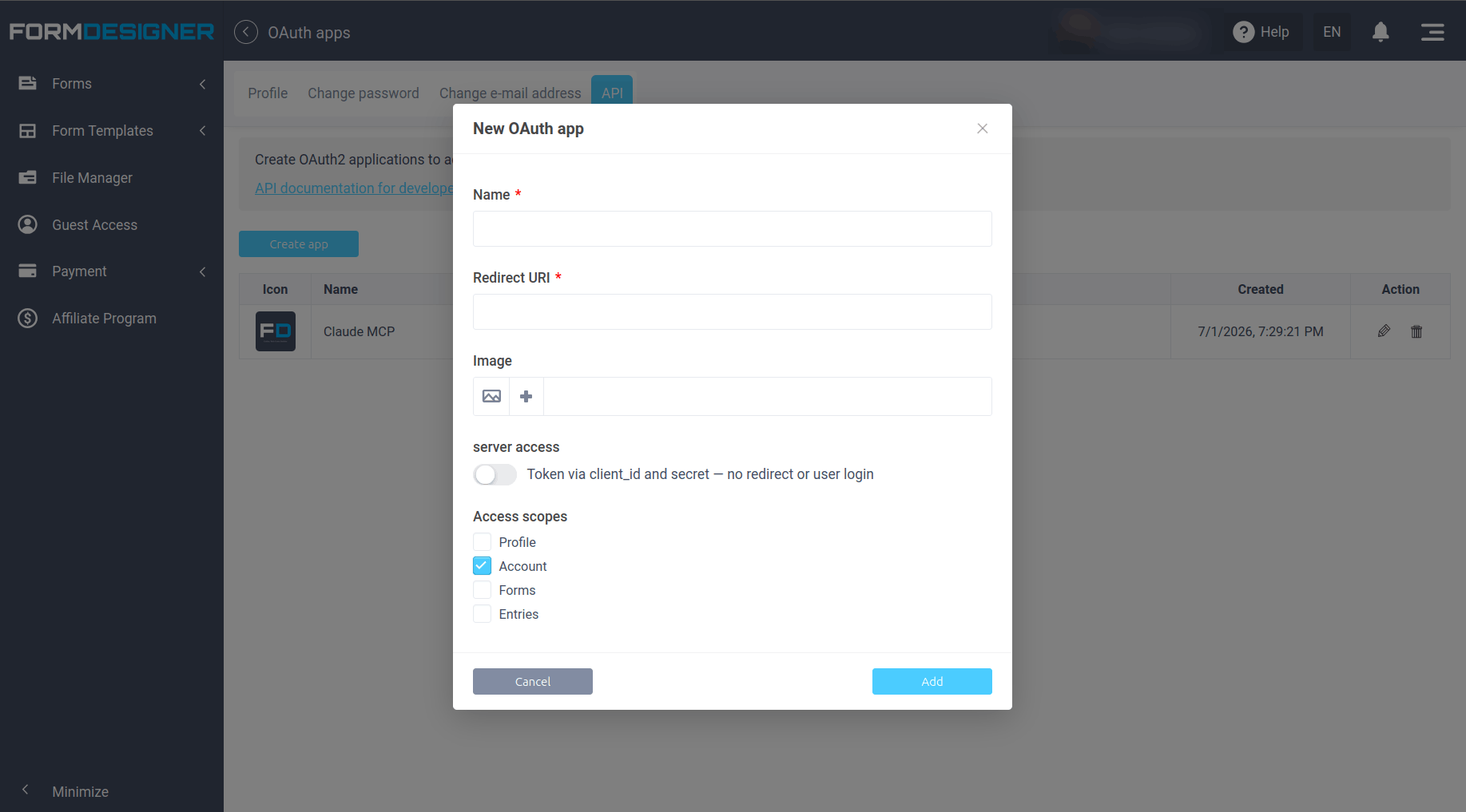
- Click Create and enter an application name (e.g. "Claude MCP" or "Cursor MCP").
![]()
- Enable the
formsscope — required for MCP. Optionally addaccount,entries. - Enter redirect URIs for your AI client (see Claude.ai, Claude Code, ChatGPT guides). Separate multiple URIs with commas.
- For Cursor and scripts, enable Client credentials grant (useClientCredentials).
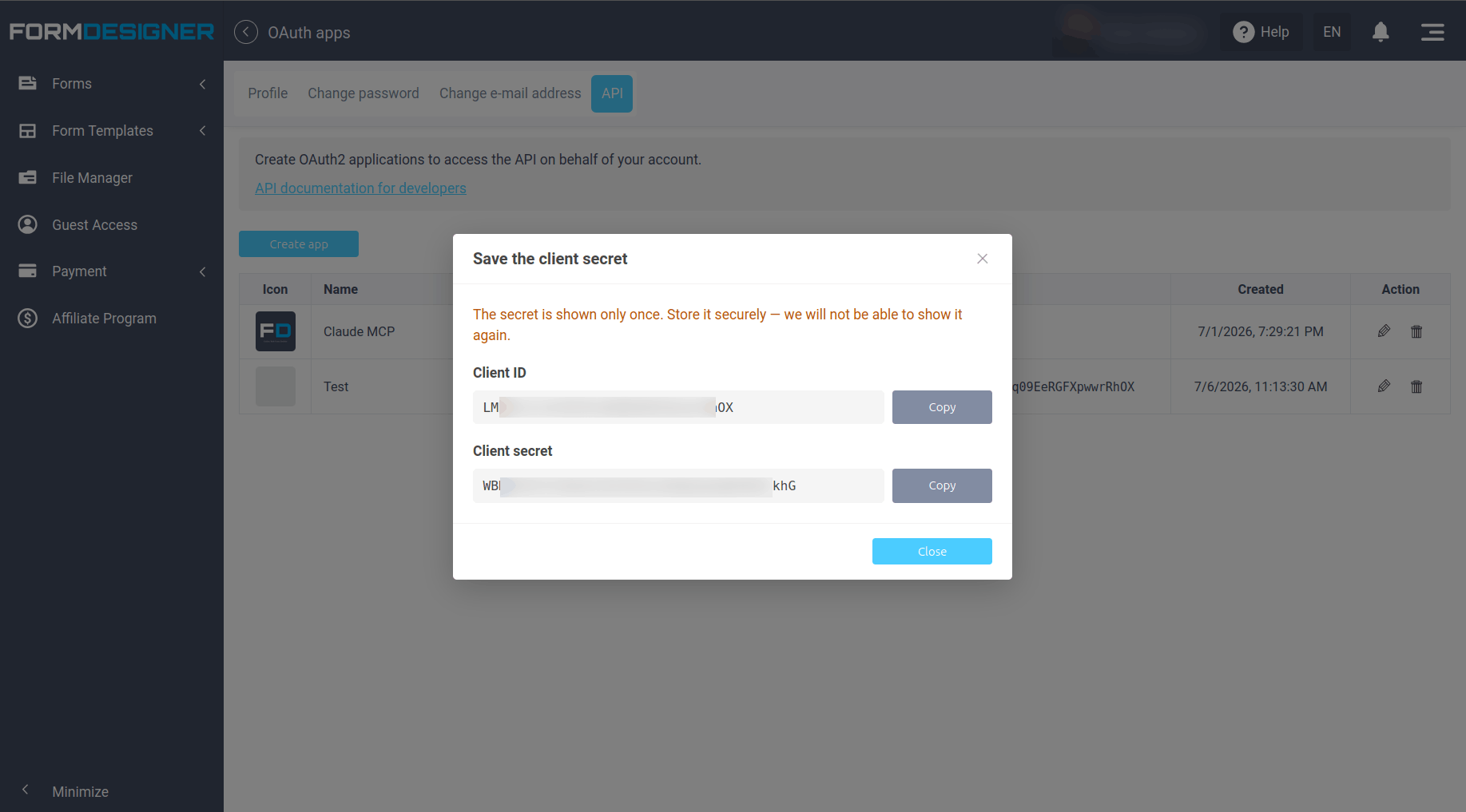
- Save the application. client_secret is shown once — copy it to a secure location.
![]()
For redirect URIs, see the OAuth: redirect URI article.


 Frightfully low prices! 40% off annual plans + 3 months of QuizLead.io